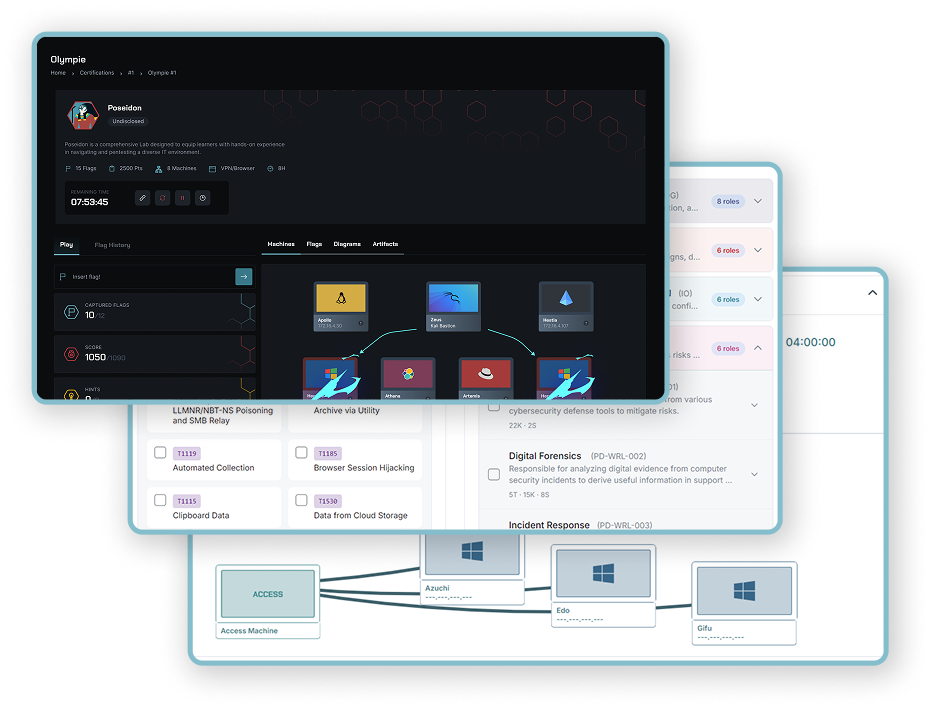
Know where your team is. Plan where it goes next.

Organize training around your priorities. Bring assignments, learning progress, lab activity, and framework mappings into the conversations you have about team development.
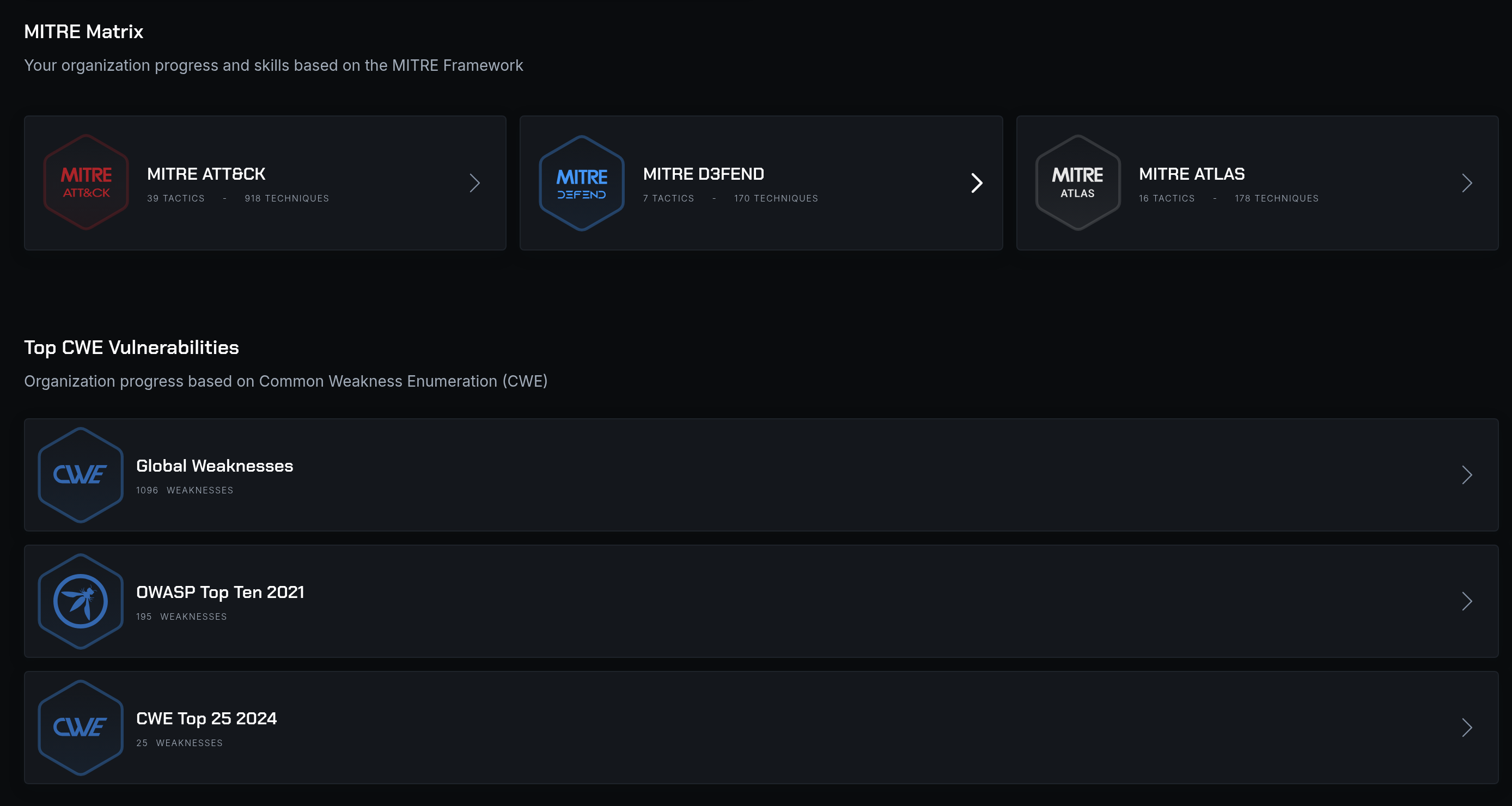
CyberLab dashboard with MITRE ATT&CK, D3FEND, ATLAS, CWE, and OWASP framework views.

Turn training activity into a development plan.

Give managers the information they need to follow up and make training more relevant.

01

Organize the work

Use assignments and pathways to give learners a defined set of courses and labs.

02

Follow participation

Review activity and completion across your organization, then follow up where people need support.

03

Connect to the role

Use NIST NICE and MITRE mappings to relate training to work roles and technical skills.

Trusted by governments and industry leaders

  • Eurafric Information
  • KPMG
  • NITDA
  • Yogosha
  • SYSTRA
  • ENGIE
  • OCP
  • AXA
  • MAP
  • DGI
  • FEC
  • Solocal
  • AUSIM
  • TotalEnergies
  • KIABI
  • ECOWAS
  • Crédit Agricole du Maroc
  • DGSSI
  • Orange
  • 1337
  • Cyber Test Systems
  • Marjane
  • Bourse de Casablanca
  • MTNIMA
Read our customers' stories

AI-powered pathways

Start with the skills you need.

Describe your training goal or select relevant work roles, tasks, knowledge, skills, and techniques. The AI-powered pathway builder recommends courses and labs for you to review, select, and organize. For a SOC team, bring Windows security, SOC analysis, and SOC engineering into one ordered curriculum.

Explore CyberLearn
Start with a SOC training goal, review recommended resources, and assemble courses into an ordered learning pathway.

Team assignments

Give the team a shared training plan.

Bring selected courses and labs into an assignment, choose the learners, and set the training window. Managers can follow progress and adjust what comes next. A development team might start with security champion training and continue into web security.

Explore CyberLearn
Select application security courses, add the development team, and prepare one shared training assignment.

Practical context

Put lab activity into a framework.

Explore mappings to MITRE ATT&CK, D3FEND, ATLAS, OWASP, and CWE. Use NICE work roles to connect the exercises to the responsibilities of your team.

Explore framework categories, select credential access in MITRE ATT&CK, and open relevant Active Directory practice.

For managers

Prepare the exercise. Lead the debrief.

Managers have access to lab writeups to prepare sessions, understand the expected approach, and support learners when they get stuck. Bring that context to the debrief alongside each learner's progress and results.

  • Review the scenario and its writeup before assigning it
  • Choose an appropriate subject and difficulty
  • Use the debrief to identify what needs more practice

Give training a shared reference.

Use framework mappings to relate a lab to the work your team needs to practise. Choose relevant scenarios, review the areas covered, and use that context when planning the next assignment.

Bring the mappings into the development conversation alongside learning progress, practical results, and the team's responsibilities.

MITRE ATT&CKAdversary techniques
Relate practical scenarios to the tactics and techniques an adversary uses.
MITRE D3FENDDefensive techniques
Connect technical practice with defensive countermeasures and capabilities.
MITRE ATLASAI security
Explore adversarial threats to AI systems through relevant training content.
OWASPApplication security
Choose application training around recognized security risks and testing subjects.
CWESoftware weaknesses
Connect secure development and application testing with classes of software weakness.
NICEWork roles and skills
Use tasks, knowledge, and skills to help define a development path for a role.

Customer stories

Hear from the people who train with SecDojo.

Read all testimonials

IT Services

Eurafric Information

“SecDojo transformed the way I approach ethical hacking and computer security. The 'lab' type environments simulate real-world scenarios, offering a valuable opportunity to apply theoretical knowledge to practical situations…”

Frequently Asked Questions

Questions about Team Readiness.

Managers can follow course and lesson progress, quiz results, lab activity, and exercise results. These views help identify where learners need more practice and prepare the next stage of training.

Yes. CyberEvent supports individual and team exercises. A team can work in a shared dedicated lab, with results and leaderboards available for the exercise debrief.

Mappings connect labs to references such as MITRE ATT&CK, D3FEND, ATLAS, OWASP, and CWE. Managers can use them to choose relevant scenarios and discuss the areas their teams have practiced.

Yes. Managers can read the lab writeups to prepare training, help learners, and lead a debrief. The writeups also help managers choose exercises that fit the skills their team needs to develop.

Build Enterprise Cyber Resilience at Scale

Discover how SecDojo builds measurable resilience and operational readiness across your entire organization with hands-on cyber-range training.

Comprehensive platform demonstration with mission-critical scenarios
Technical assessment and organizational readiness planning
Training program deployment strategy and integration consulting

Trusted by government, military, finance, and industrial sectors.