Dedicated to you or your team
Each lab runs in its own cloud environment, allocated to an individual learner or shared by the participants in a team.
Put your team inside a dedicated cloud lab, with enterprise systems, security appliances, and a scenario to work through. Practice individually or as a team across offensive security, defense, AppSec, and ICS/OT.
From a focused investigation to a complex enterprise network, the infrastructure is part of what you learn.
Each lab runs in its own cloud environment, allocated to an individual learner or shared by the participants in a team.
Work with connected Windows and Linux systems, identity services, applications, networks, and security appliances appropriate to the scenario.
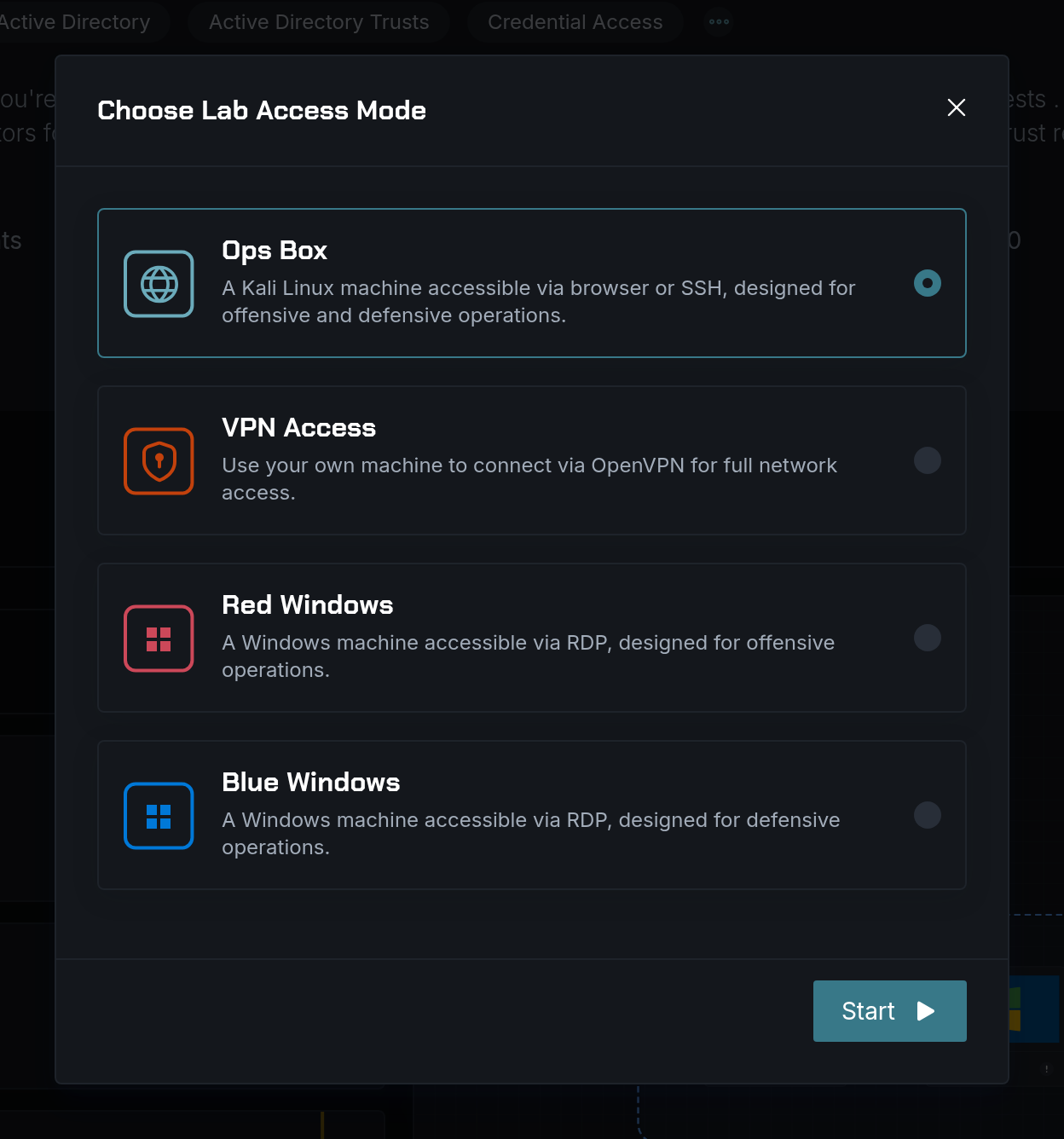
Enter through a prepared Kali or Windows workstation, or connect your own laptop over VPN. The access workstation is your gateway to the lab.
Inside the lab
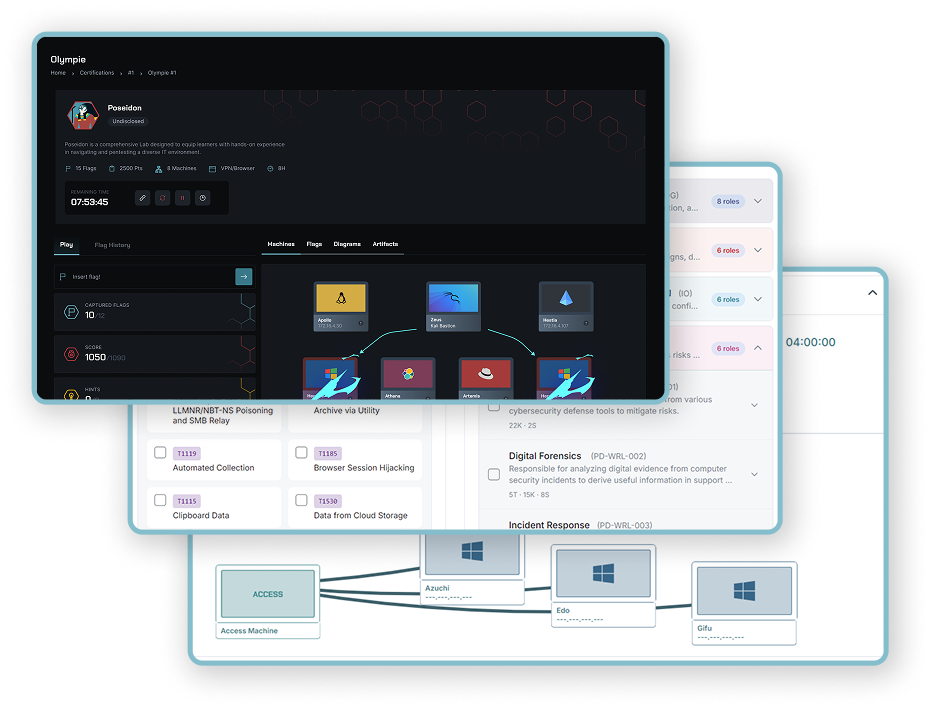
Each lab provisions cloud infrastructure for an individual learner or a team. Connected machines, enterprise services, and security appliances create the setting for the scenario.
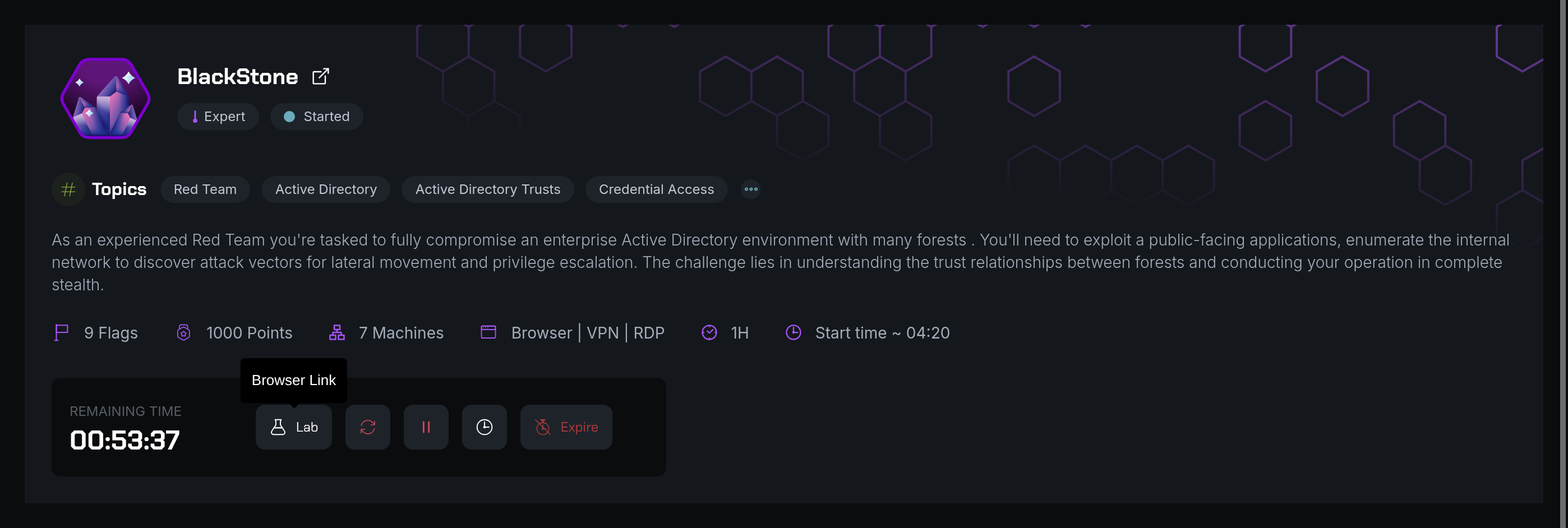
BlackStone combines seven machines across four networks: domain controllers, Windows workstations, and a web server. Your access workstation provides the entry point to the rest of the infrastructure.
Your way into the environment
Use a prepared workstation as your bastion into the lab, or connect your own computer. Available modes depend on the scenario.
These lab environments support practical work across CyberLab, CyberLearn, CyberEvent, and CyberHiring.
The lab catalog
Build a foundation or take on a more demanding environment. Explore categories, specialist topics, and difficulty levels to find practice that fits the role and the learner.
Red Team · Windows & Active Directory · Linux · Web · Network · Cloud · AI
Malware · APT · DFIR · Incident response · Hardening · Risk
Application weaknesses · Secure development · Code review · DevSecOps
Industrial systems · Operational technology · Industrial network security
Move from focused, introductory tasks to complex investigations and enterprise scenarios. Check the difficulty, machine count, objectives, and access options before you begin.
Inside the workstation
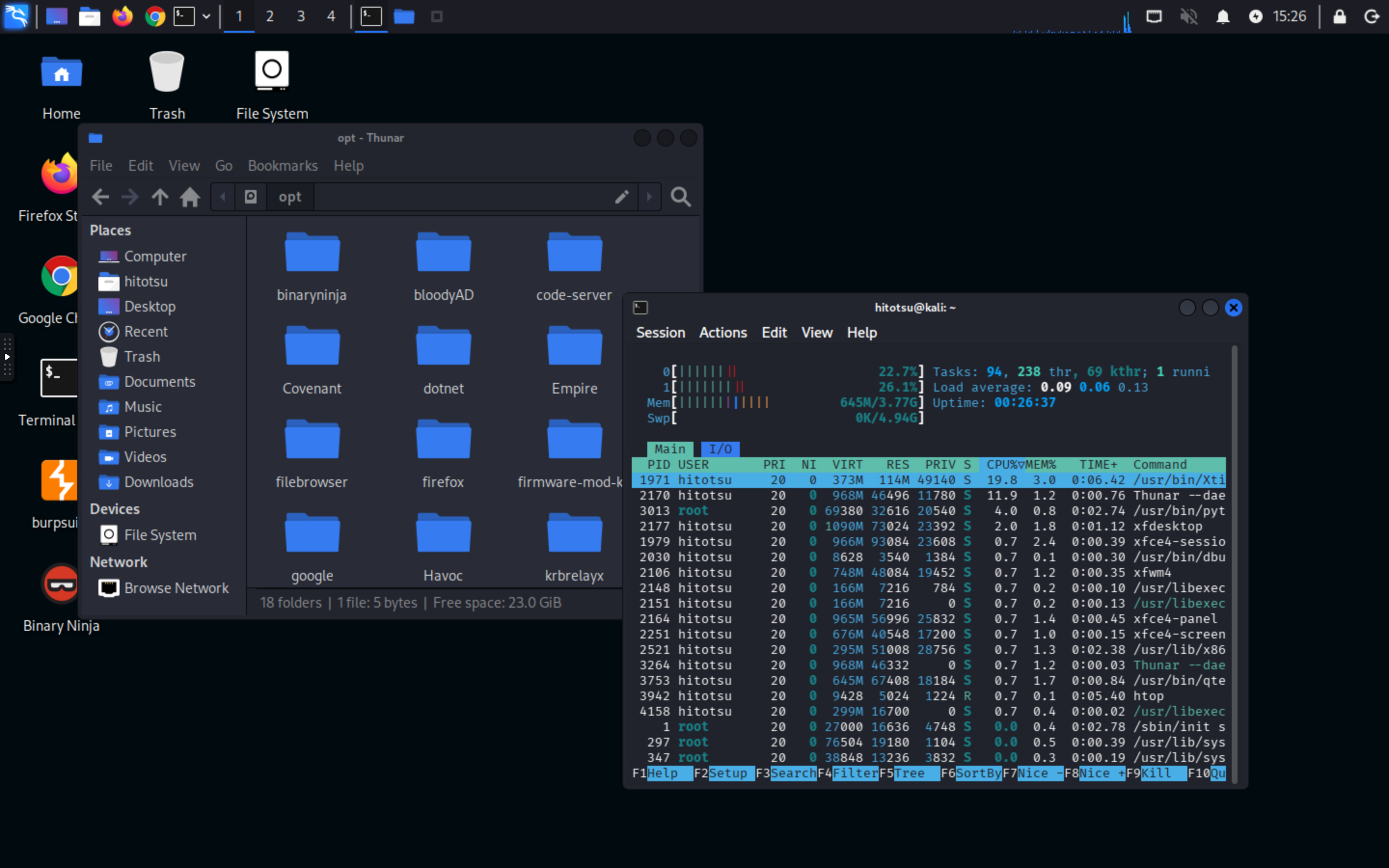
Launch a Kali workstation from the lab and work in its desktop through noVNC. The prepared machine gives you access to the lab network and the tools for the exercise, without setting up a separate workstation on your laptop.
Frameworks & methodology
Labs connect to established references including MITRE ATT&CK, D3FEND, ATLAS, OWASP, and CWE. Use these mappings to choose relevant practice, from adversary techniques and defensive countermeasures to AI security and application weaknesses.
For training managers
Access lab writeups to prepare a session and guide the debrief. Assign exercises at the right level, follow your team's activity, and use AI-assisted pathway recommendations to plan relevant follow-up courses and labs.
Explore team readinessExplore how AI applications interact with users, services, and data. Practise assessing prompt injection, assistant integrations, and model gateways against the objectives of each scenario.
Explore AI security labs
Energy & Utilities
“The platform is extremely intuitive, allowing participants to launch hands-on labs instantly without technical friction. The in-browser lab environment worked flawlessly, ensuring a smooth and efficient experience throughout the cyber exercises…”
Adrian Zamfir
Technical Domain Leader Security Operations
Explore the modules
Support learning, practice, awareness, and hiring across your organization.
Questions about CyberLab.
Discover how SecDojo builds measurable resilience and operational readiness across your entire organization with hands-on cyber-range training.
Trusted by government, military, finance, and industrial sectors.

























 Fire
Fire SSH Ninja
 Knock-It